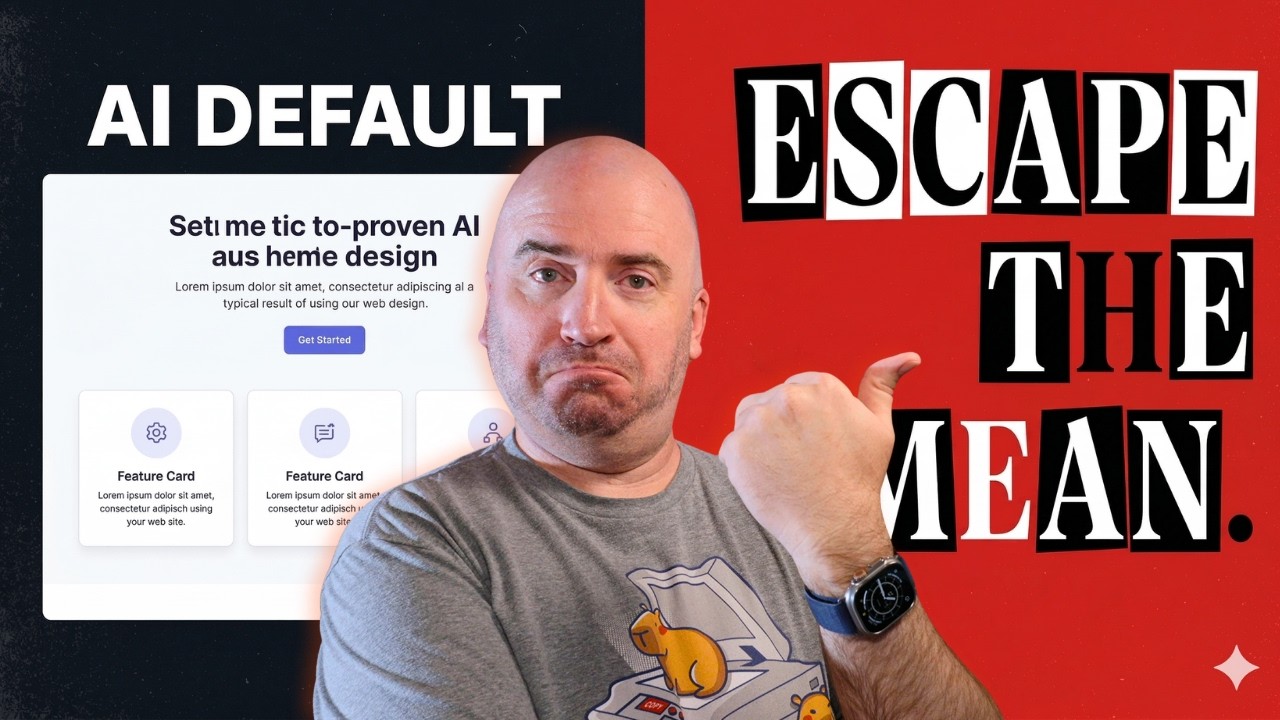
I built a complete design system live on camera in 35 minutes. No Figma. No designers. One free AI skill.
Every AI tool defaults to the same generic output: indigo gradient, three cards, “Get Started” button. You can’t prompt your way out of it — the model is averaging the entire internet. The fix is a Design Substrate: a structured design vocabulary you build with AI that it then executes from instead of defaulting to the statistical mean.
In this video I build one live from scratch for DesignSubstrate.com, using the skill itself, on camera. You’ll see the full process: the generic output without the skill (and the irony of asking Claude to design the site for the tool that fixes generic AI design), three questions to discover taste, the temperature dial from safe to WTF, the --surprise flag that came from my wife and changed everything, and formalizing it all into a complete browsable design system.
By the end you’ll have the tool and you’ll have watched exactly how it works.
🔧 Get the skill (MIT License, free and works with claude, codex & gemini): https://github.com/zorz/ai-design-substrate
The Ultra Terminal IDE Video: I Fired VSCode
⏱ Chapters: 00:00 — Intro 00:20 — Why AI design is generic by default 01:11 — The irony: asking Claude to design DesignSubstrate.com without the skill 02:32 — Invoking the skill: /design-substrate → taste 02:56 — Origin story: Ultra.dev and the accidental substrate 03:35 — Zorz.com: the first intentional design system 04:19 — First output at temperature 7 — a real direction 05:18 — keithposehn.net: pushing the substrate further 06:04 — The “surprise me” moment (and why it’s now a flag) 07:32 — apply —surprise: cranking to temperature 9 08:01 — Temperature 10: WTF mode 10:33 — Terminal conversation, split screen, punk zine 11:27 — The one: typographic explosion 12:00 — Locking in direction 14:18 — structure: formalizing the complete design system 14:54 — The finished hub — from blank prompt to this in 35 minutes 15:17 — How to install it: one curl command 16:06 — Close