Building the future of coding, in public.
I build ambitious software with AI and document the process: the working demos, the failures, and what it takes to make these tools useful.
Start here
A few builds worth watching.
Real projects. The whole experiment.
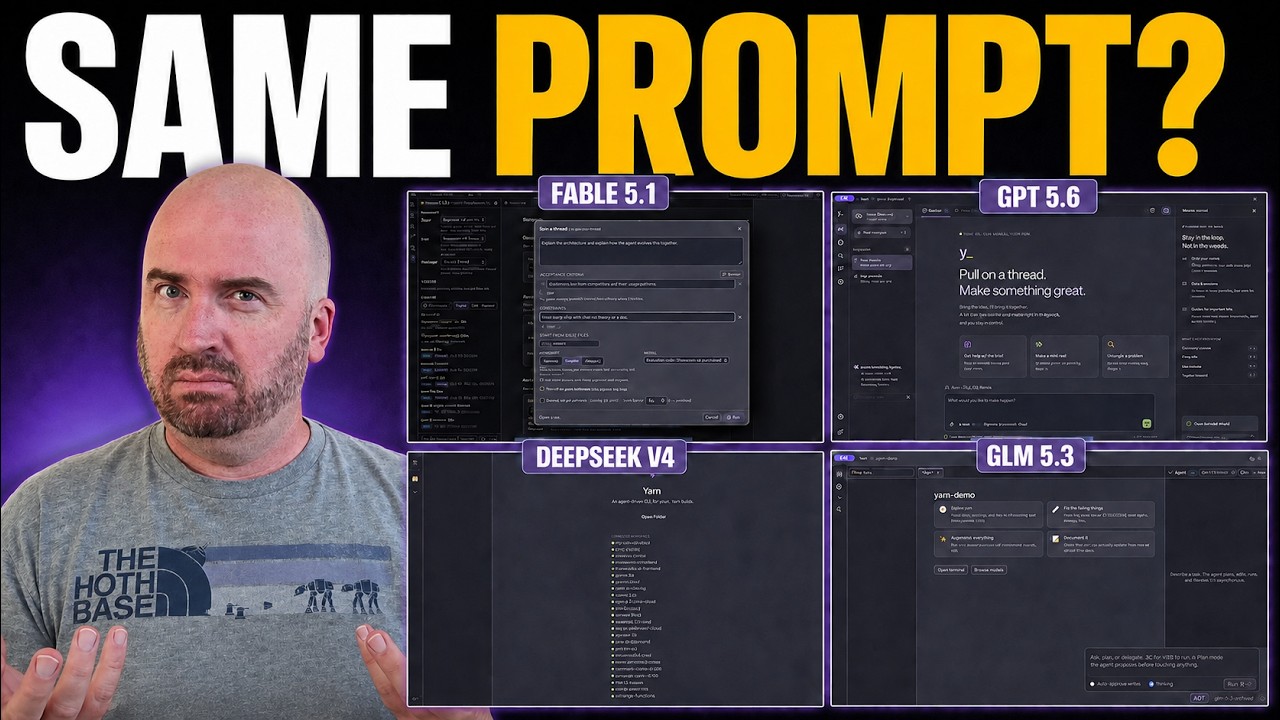 9:11
9:11 Five AI models build Yarn
One prompt, five agentic IDEs. Compare the apps, the fixes they needed, and the time and cost of getting there.
Watch the build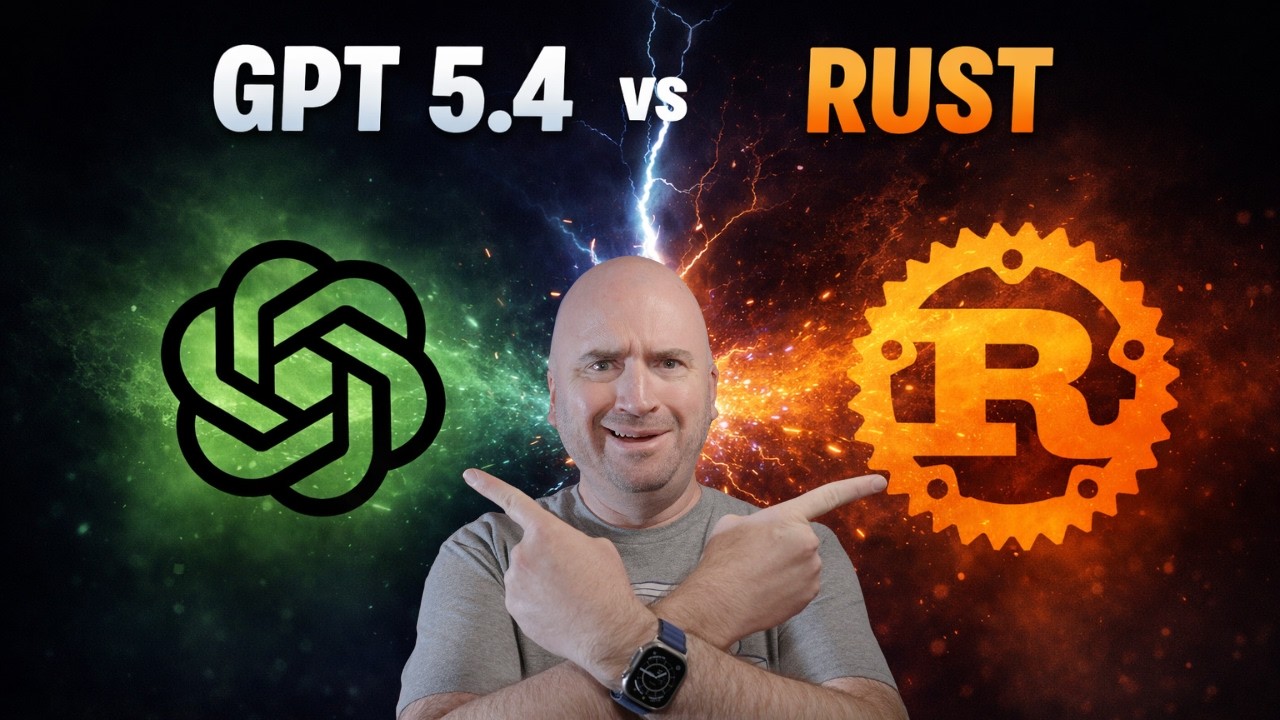 7:58
7:58 GPT-5.4 takes on a Rust terminal
Start with an empty directory. Add tabs, split panes, and themes. See where the model hits its limits.
Watch the build 7:51
7:51 Building my own IDE with AI
Six weeks, 300+ commits, and a full terminal IDE. Meet the project now known as TIDE.
Watch the buildBuilt on the channel
Meet the projects.
Explore the software behind the videos.
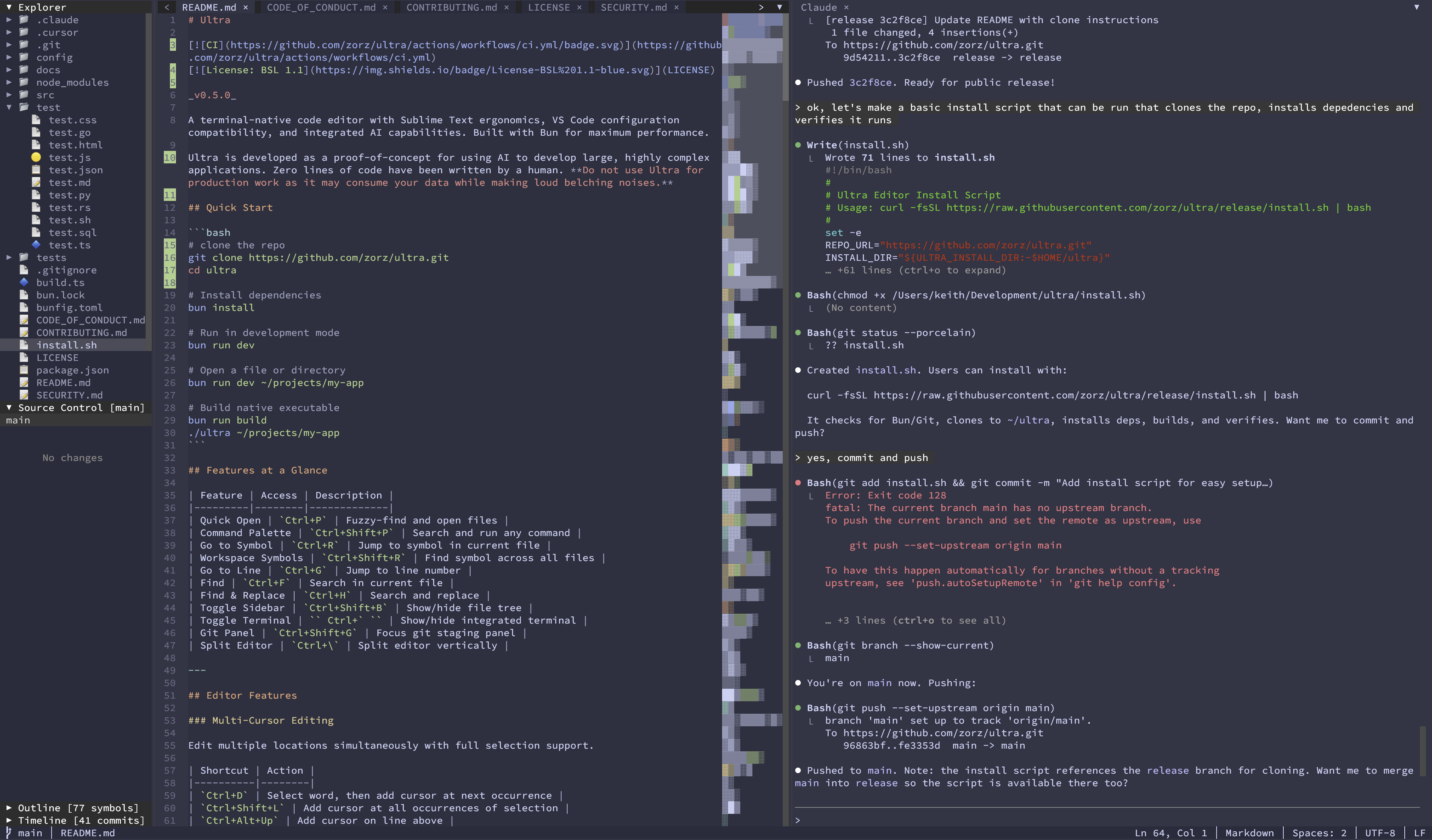
Terminal IDE
TIDE
A full editor in your terminal, with AI chat, language tools, Git, and split panes. Built with AI, with the architecture and docs here to explore.
Explore TIDE & the docs- 01GPT 6 Astra
- 02GPT 5.6 Sol
- 03Fable 5.1
- 04DeepSeek V4 Pro
- 05GLM 5.3
Five-model build experiment
Yarn
Yarn is an Ultra.dev build experiment: give five coding models the same open-ended brief for an Ollama-focused desktop IDE, then compare the products, the follow-up they needed, and the cost of getting there.
Explore YarnLatest
Fresh from the channel.
The newest videos from @UltraDotDev.
 0:52
0:52 Hey Claude, AI Is Coming For Your Job Too... #claude #kimiai #moonshotai #ai #claudecode
 0:57
0:57 Anthropic and OpenAI want to slow down. But will the US let them? #ai #anthropic #openai #agi
 1:13
1:13 Is An AI Slowdown Possible? Or are we heading into an AI Cold War? #ai #anthropic #openai #aisafety
 1:13
1:13 Would You Trust Apple AI With Your Health History? #ai #siri #apple #appleintelligence
Subscribe on YouTube
New videos on AI-assisted development, agent workflows, and the projects we build. Subscribe so you never miss one.